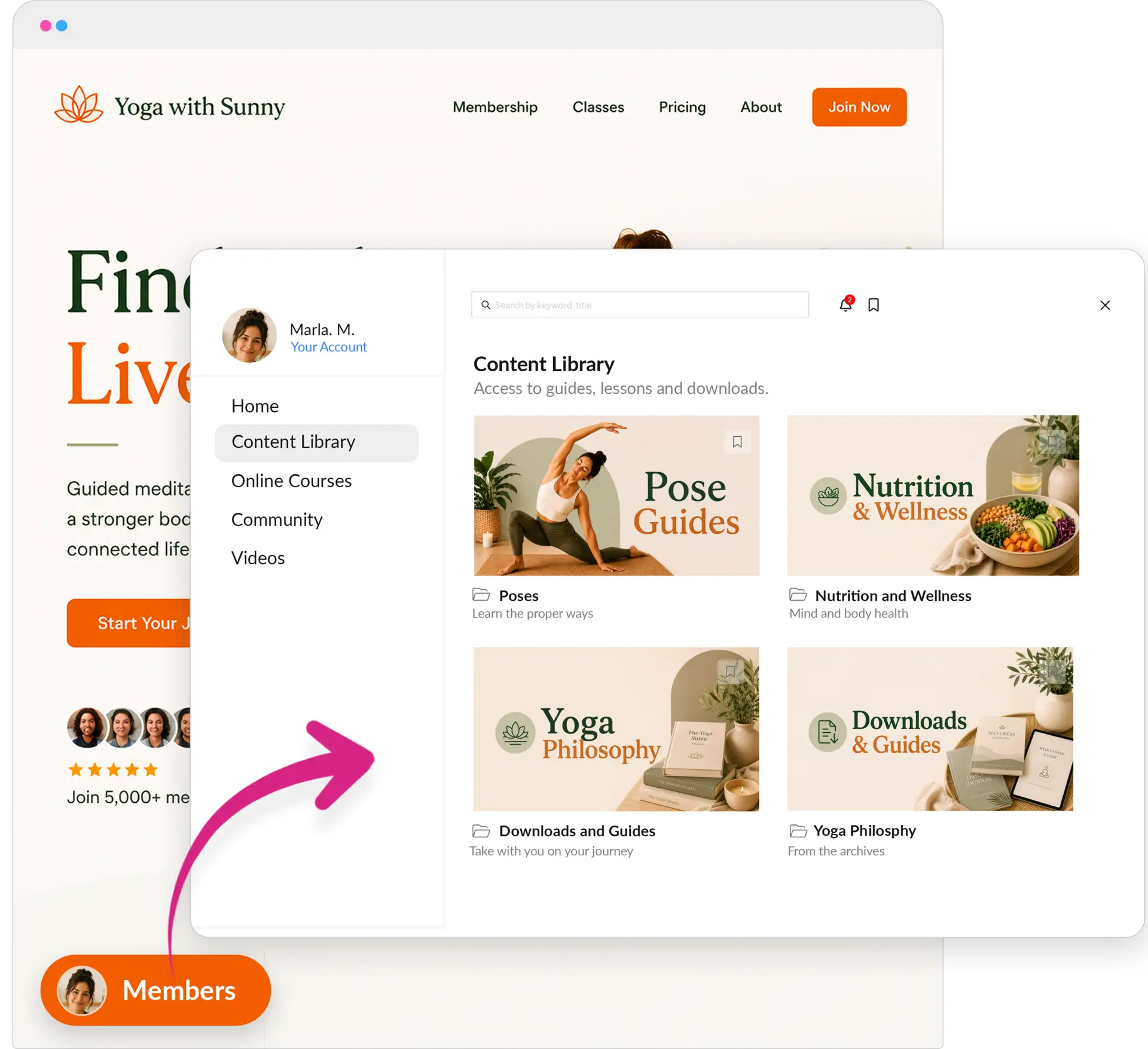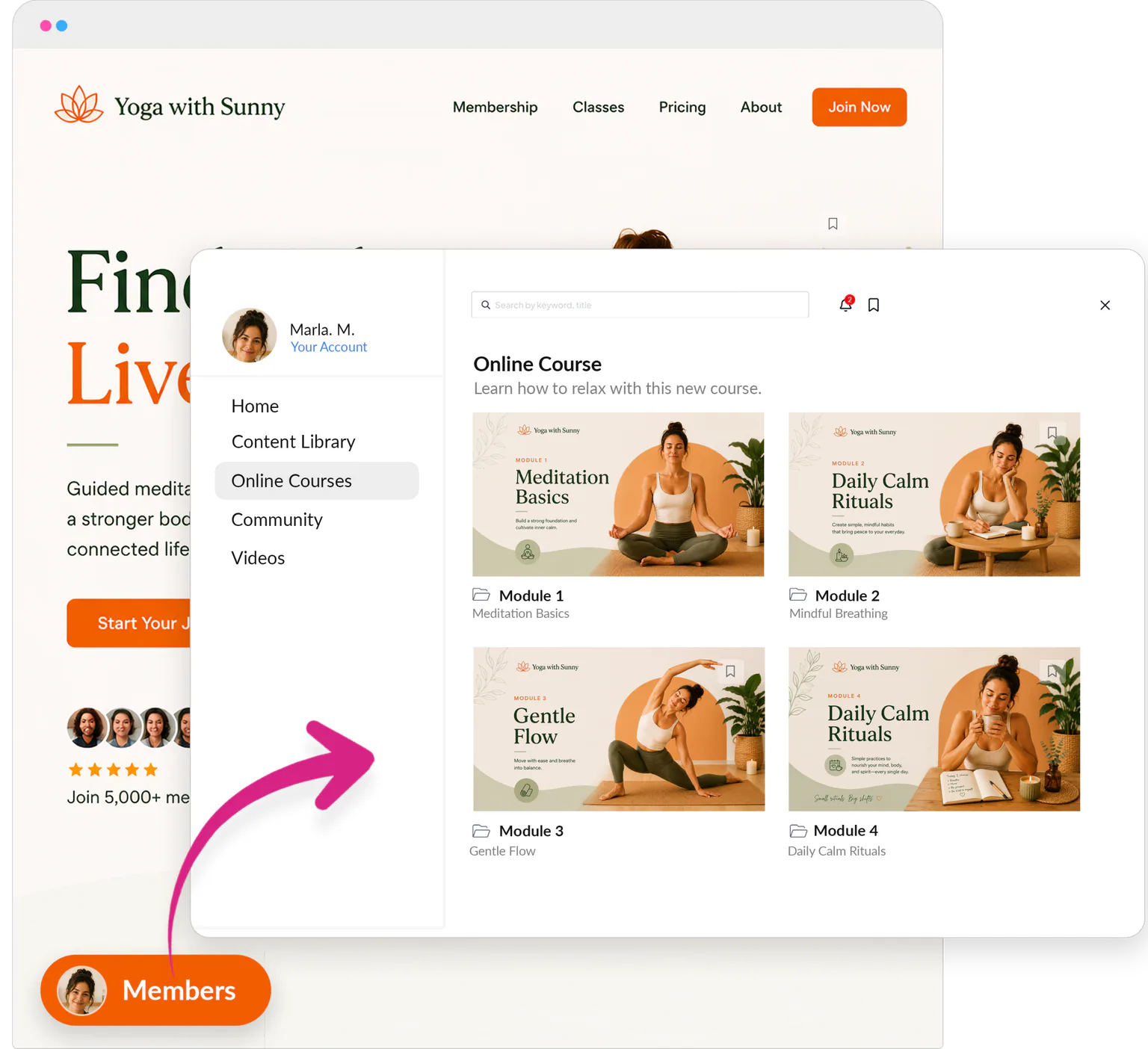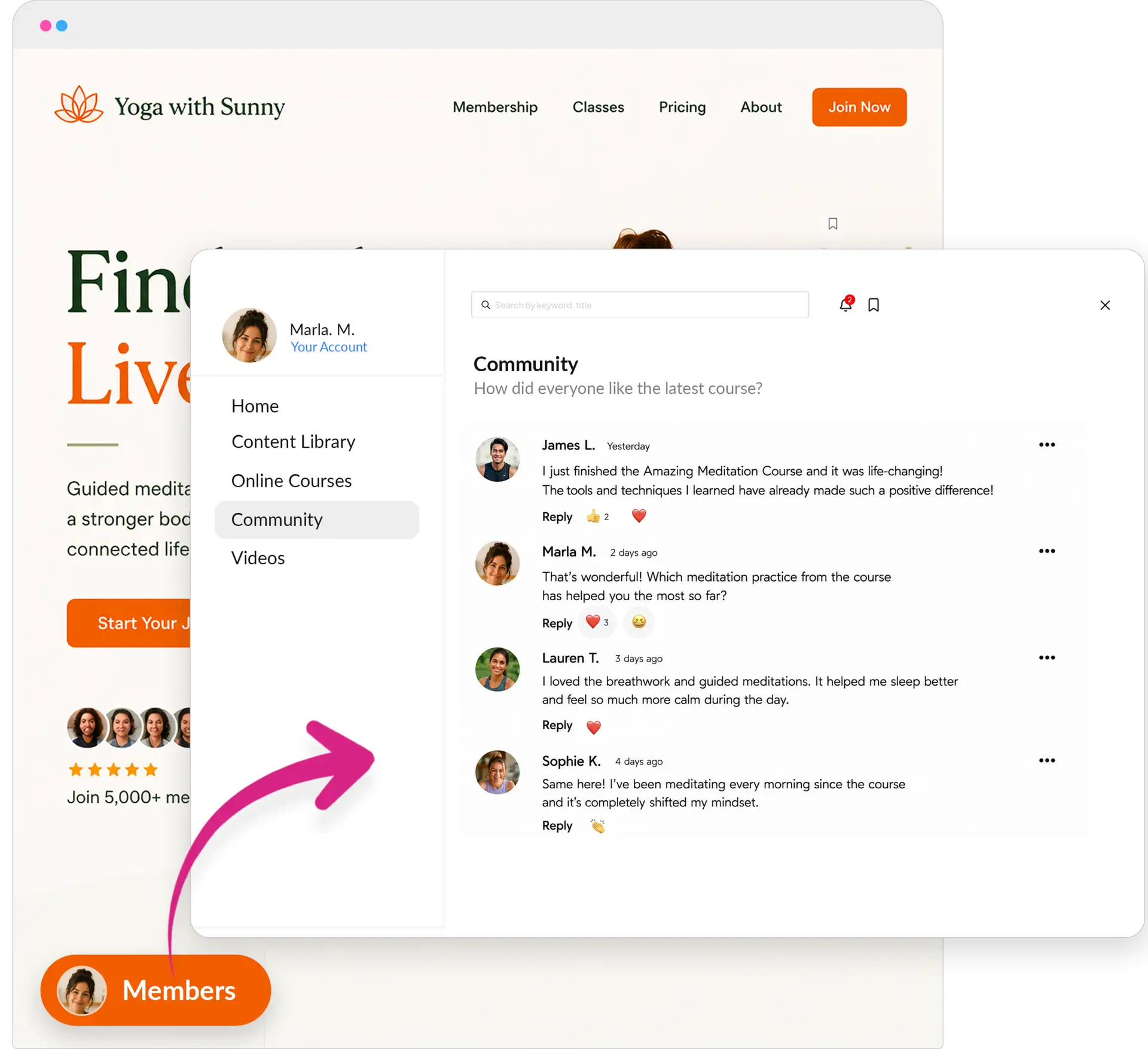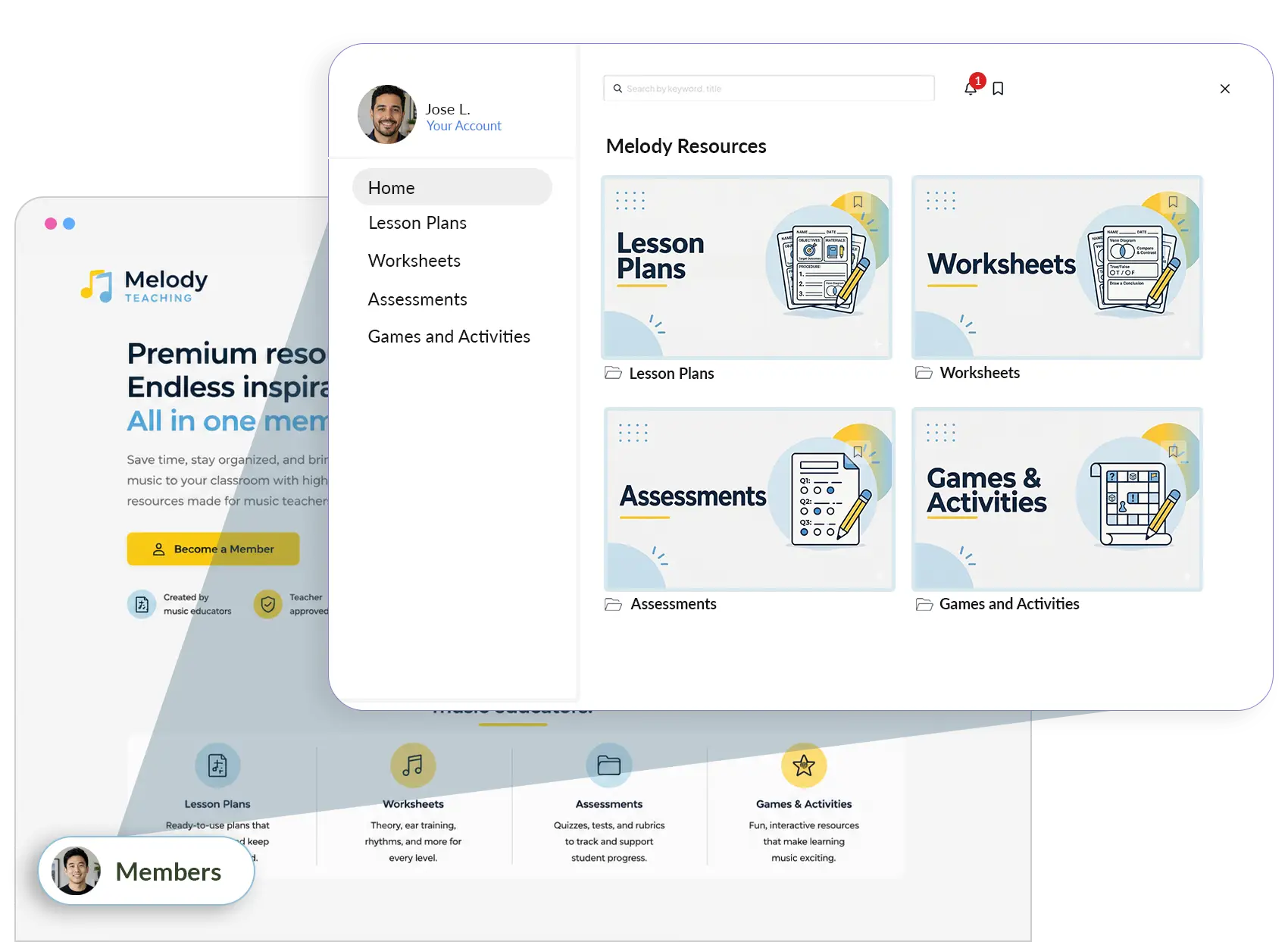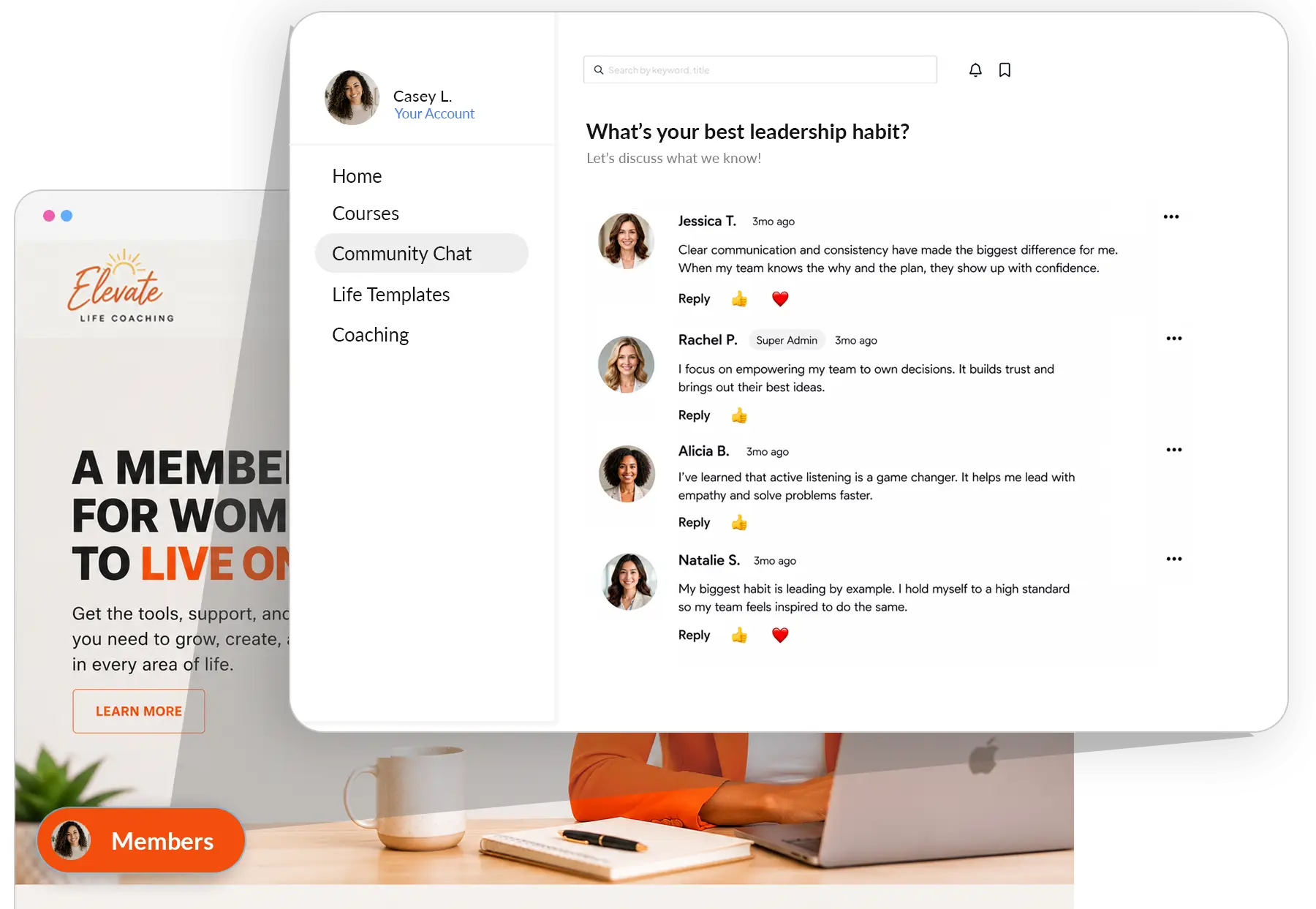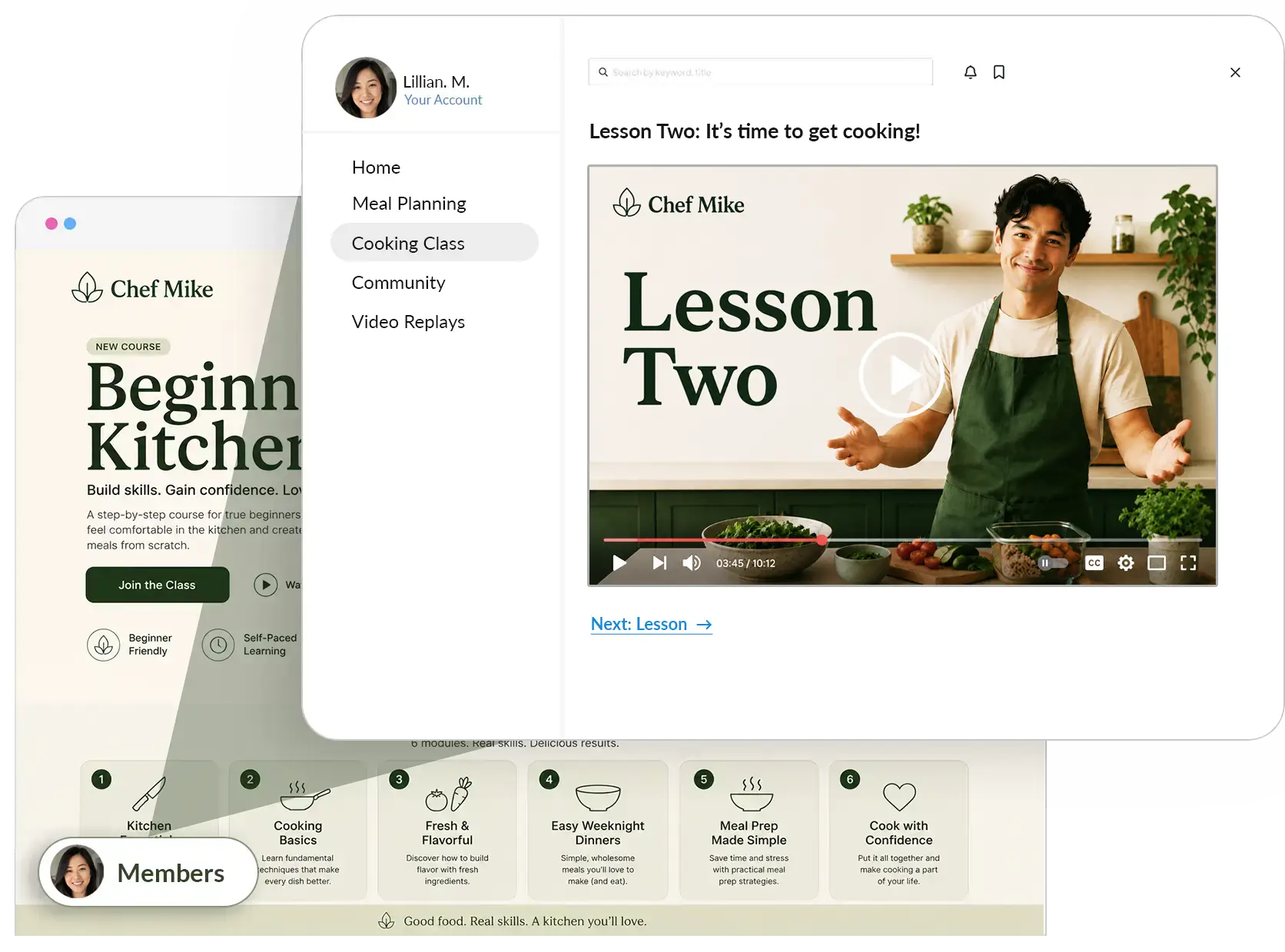
squarespace membership tiers

Squarespace Membership Tiers: The Easiest Way to Setup Multiple Pricing Plans

If you’re trying to set up multiple membership tiers on Squarespace, here’s something important to know: the native member sites feature isn’t really built for that.

With Squarespace, you have to create a separate member area for each tier. So if you want a Basic tier and a Premium tier, you end up making two different member areas — which means two different sets of pages and two places to manage your content.

At first, that might sound okay. But it quickly becomes a hassle because:

  • You have to duplicate any content you want available in more than one tier.
  • Every time you update something, you have to remember to update it in every member area where it appears.
  • Managing permissions across multiple areas gets confusing and time-consuming.
  • Adding more tiers later just multiplies the work.

This isn’t just something I’ve noticed — plenty of Squarespace users have pointed this out, like in this Reddit thread. The bottom line is that Squarespace’s native system wasn’t really designed to handle multiple membership tiers easily. So let’s chat about an easier way to do it with MemberSpace. 

Launch a powerful Squarespace membership site!

The easiest way to accept membership payments or one-time charges for digital products like podcasts, online courses, communities, content libraries, and more — all from your own website!

Get started for free! 5 minutes to set up.

The Easiest Way to Set Up Membership Tiers on Squarespace

Instead of making separate member areas for each tier of your membership site, MemberSpace allows you to upload your content once on Squarespace. Then, inside MemberSpace, you choose which membership tiers get access to each piece of content.

What that means for you:

  • No more copying pages or posts over and over.
  • You can create as many tiers as you want without extra hassle.
  • Updating content is easier — change it once, and it’s updated for everyone who has access.
  • Managing your site gets less confusing and more manageable as you grow.

Want to see how MemberSpace works with Squarespace step-by-step? Check out our guide on Setting Up MemberSpace on Squarespace.

How to Set Up Multiple Membership Tiers on Squarespace Using MemberSpace

Getting started with MemberSpace is pretty straightforward. Here’s the basic process:

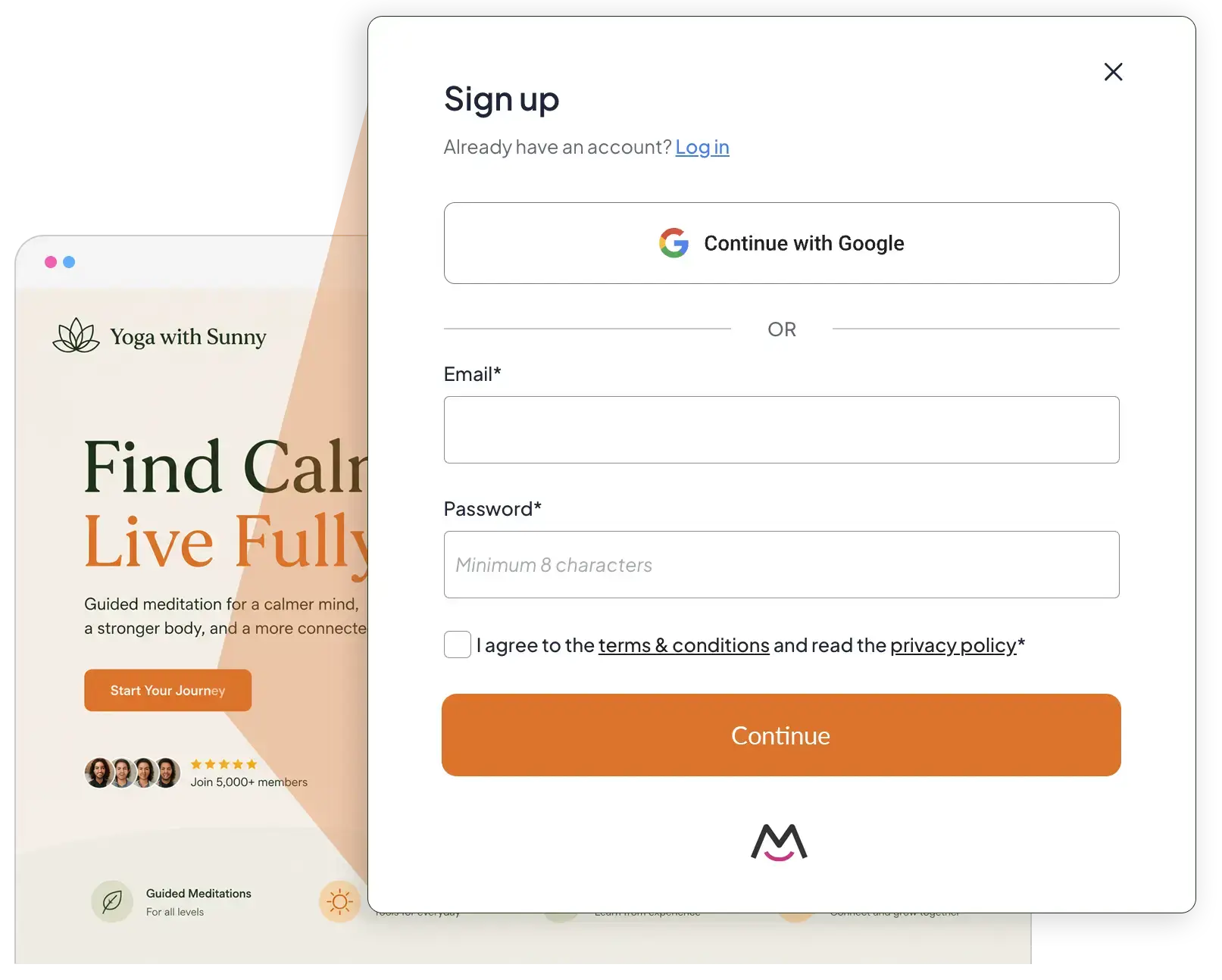
  1. Sign up for MemberSpace and install it on your Squarespace site.
  2. Upload all your members-only content in one place on Squarespace — no need to duplicate anything.
  3. Create your pricing tiers inside MemberSpace, then select which content each tier can access.

That’s it — you’re ready to go!

squarespace membership tiers example

What This Looks Like in Practice

Let’s say you want to offer three membership tiers:

  • Basic: Access to weekly blog posts and a monthly newsletter.
  • Pro: Everything in Basic, plus exclusive video tutorials.
  • Premium: Everything in Pro, plus live group coaching calls and downloadable resources.

With Squarespace alone, you’d have to create separate member areas for each tier and duplicate content like blog posts and videos across them. That means more pages to manage and update.

With MemberSpace, you upload your blog posts and videos once. Then you decide which tiers get access to what. The weekly blog posts go to all three tiers, the video tutorials only to Pro and Premium, and the coaching calls only to Premium. It’s super simple, clean, and easy to manage!

Tips for Creating Membership Tiers on Squarespace

Creating membership tiers that actually work — for you and your members — takes a bit of thought. Here are some tips from someone who’s been through it:

  • Make sure each tier has clear, unique value. Don’t just create tiers for the sake of it. Each level should offer something different and meaningful so members know what they’re getting at every price point.
  • Save your most exclusive, valuable content for the top tier. Your premium members should feel like they’re getting something special — whether that’s live coaching, exclusive downloads, or early access to new material.
  • Don’t be afraid to offer a free tier or free trial. Giving away some content for free builds trust and lets potential members get a taste of what you offer. It’s a great way to bring people in and convert them later.
  • Keep your tiers simple and easy to understand. Avoid confusing overlap or too many small differences. Clear benefits make it easier for people to choose and stick around.
  • Organize your content well from the start. Use clear page names and folders on Squarespace so assigning access in MemberSpace is straightforward and you don’t lose track later.
  • Test everything before launch. Create test accounts for each tier and make sure the right content is locked or unlocked. This saves headaches down the road.
  • Be ready to adjust. As you grow, listen to your members and tweak your tiers. Maybe add perks or simplify options based on what’s working or not.

For more tips and strategies on setting up membership tiers, check out our YouTube video. 

FAQ about Squarespace Membership  Tiers

Q: Can I use MemberSpace with any Squarespace template?
A: Yes! MemberSpace works with all Squarespace templates, so you don’t have to change your site design.

Q: Do I have to duplicate content for each membership tier?
A: Nope. That’s the best part about MemberSpace — you upload your content once and assign access to different tiers without duplicating pages.

Q: Can I create unlimited membership tiers?
A: Yes! MemberSpace lets you create as many tiers as you want, so you can grow and customize your membership offerings without limits.

Q: How do I handle members upgrading or downgrading their tier?
A: MemberSpace manages upgrades and downgrades smoothly. Members get access to new content based on their current tier without you having to manually update permissions.

Q: Is it hard to set up MemberSpace on Squarespace?
A: It’s pretty straightforward. You sign up, install MemberSpace on your site, upload your content, create tiers, and assign content access. Plus, MemberSpace has helpful guides and support if you get stuck.

Final Thoughts

If you want to offer multiple membership tiers on Squarespace, trying to do it with the native member areas will slow you down and add a lot of extra work. Using MemberSpace can save you time and headaches, letting you focus on creating content and supporting your members instead.

Give it a try and see how much easier managing your tiers can be.

Launch a powerful Squarespace membership site!

The easiest way to accept membership payments or one-time charges for digital products like podcasts, online courses, communities, content libraries, and more — all from your own website!

Get started for free! 5 minutes to set up.