
Haiden Hibbert
If you’ve ever tried to figure out how to create a product bundle on Squarespace, you’ve probably realized pretty quickly that it’s not something Squarespace lets you do natively.
There are workarounds — the easiest one being uploading a zip file with all of your products inside — but nobody really wants to deal with zip files. And from a customer experience standpoint, it’s not ideal.
If you want a simpler setup and a better experience for your customers, using a tool like MemberSpace is usually the best option.
MemberSpace works alongside Squarespace, so you’re still selling everything directly on your Squarespace site. It just gives you more control over how your content is organized, how access is handled, and how you price and bundle your products.
Below, I’ll walk through exactly how to create a product bundle on Squarespace using MemberSpace, step by step.
Sell digital product bundles on Squarespace!
The easiest way to accept membership payments or one-time charges for digital products like online courses, communities, content libraries, and more — all from your own website!
Get started for free! 5 minutes to set up.
How to Set Up Squarespace Product Bundles with MemberSpace
The basic idea is simple: each product lives in MemberSpace and then you decide how people can buy access to it — either individually or as part of a bundle.
Here’s the entire process in a video tutorial, or written steps below that.
1. Install MemberSpace on Your Website
First, you’ll need a MemberSpace account and have it installed on your Squarespace website.
Once it’s installed, you’ll manage your digital products and pricing from your MemberSpace dashboard, while your website and checkout flow still live on Squarespace.
After logging in, click on Spaces in the MemberSpace dashboard.
2. Add Your Products to MemberSpace
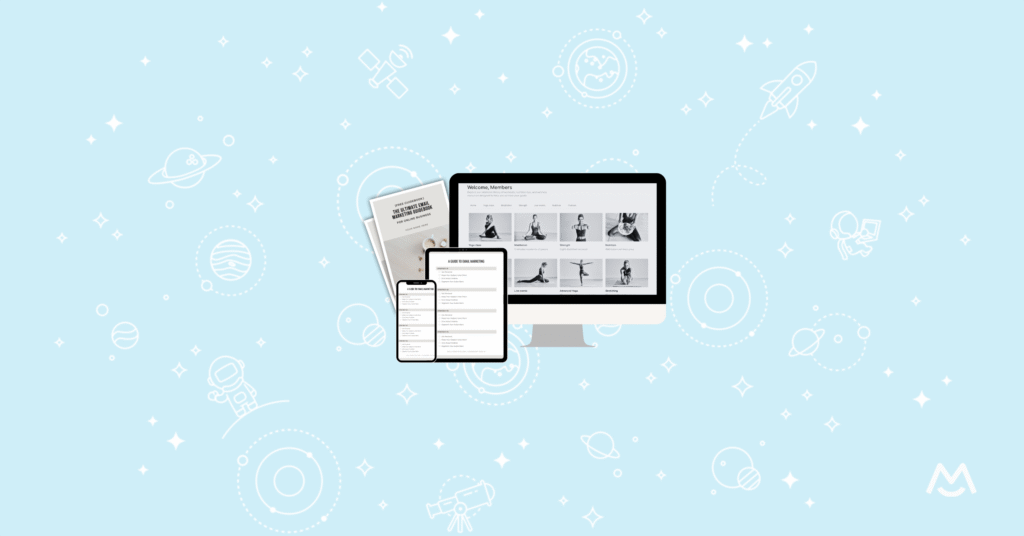
In MemberSpace, you can add each product or resource you’re selling to its own Space.
For example, if you’re selling:
- A mini course (video content)
- A playbook (PDF)
- A membership community
You’ll create one space for each of those.
To do this:
-
- Go to Spaces
- Click Add a Space
- Upload or link the content for that product
You might upload a video for your mini course, a PDF for the playbook, and add the link to your private Facebook group for the community.
Once this is done, all of your products are set up individually and ready to be bundled together.
3. Create Pricing Plans (Including Your Product Bundle)
After your spaces are set up, head to the Pricing section in MemberSpace. This is where you decide how people can buy your products.
Creating a Bundle
To create a product bundle:
-
- Click Add a Plan
- Choose whether it’s a one‑time payment or a recurring payment
- Name the plan (for example, Small Business Starter Bundle)
- Set your price
- Select all of the spaces you want included in the bundle
When someone purchases this plan, they automatically get access to everything you selected.
Creating Individual Product Pricing
You can also create separate plans for people who only want one product.
For example:
- A one‑time payment for just the mini course
- A monthly subscription for access to the community
Each plan unlocks access to the specific space tied to that product. This lets you sell products individually, as a bundle, or as part of a membership.
4. Add the Sign‑Up Links to Your Squarespace Website
Once your pricing plans are ready, the final step is connecting them to your website.
Inside MemberSpace, grab the sign‑up link for each plan and add it to the appropriate call‑to‑action button on your Squarespace site.
For example:
- Your bundle button links to the bundle sign‑up page
- Your course button links to the course sign‑up page
- Your community button links to the membership sign‑up page
When someone clicks a button, they’re taken to the MemberSpace sign‑up form and payment screen. After checkout, they immediately get access to the content included in their purchase.
FAQ
Can Squarespace create product bundles on its own?
No. Squarespace doesn’t currently offer a native way to create product bundles, which is why many people use a tool like MemberSpace.
Do I need to move my site off Squarespace?
No. MemberSpace works with Squarespace, so you can keep your existing site and design.
Can I sell bundles and individual products at the same time?
Yes. You can create multiple pricing plans that give access to different combinations of the same content.
Can bundles include memberships or communities?
Yes. You can include anything you want in a bundle — videos, PDFs, courses, or access to a private community.
Final Thoughts
Squarespace doesn’t make it easy to bundle products on its own, but using MemberSpace gives you a much simpler and more flexible setup.
You can organize each product once, decide how it’s sold, and then offer it individually, as part of a bundle, or inside a membership — all without complicated workarounds.
If you want a cleaner way to sell product bundles on Squarespace, this approach keeps things straightforward for you and easy for your customers.
Sell digital product bundles on Squarespace!
The easiest way to accept membership payments or one-time charges for digital products like online courses, communities, content libraries, and more — all from your own website!
Get started for free! 5 minutes to set up.