How to Create an Online Course on Your Showit Website
If you’ve ever tried to build an online course on your Showit website, you’ve probably realized something pretty quickly —
Blog Online Course
Online course guides, from planning your lessons to selling your course on your own website.
15 articles · page 1 of 2
If you’ve ever tried to build an online course on your Showit website, you’ve probably realized something pretty quickly —
f you’ve been looking for a way to host an online course on Squarespace, you’ve likely realized that while the
Duda makes building a beautiful website simple, but when it comes to selling courses or memberships, you’ll need a different
Creating and selling your own online course can be a great way to share your knowledge and build a revenue stream. In this guide, we’ll walk through how to use Squarespace and MemberSpace to create and sell an online course, step by step.
If you’ve built an audience online—whether it’s through Instagram, YouTube, a podcast, or your newsletter—you already know the hardest part:
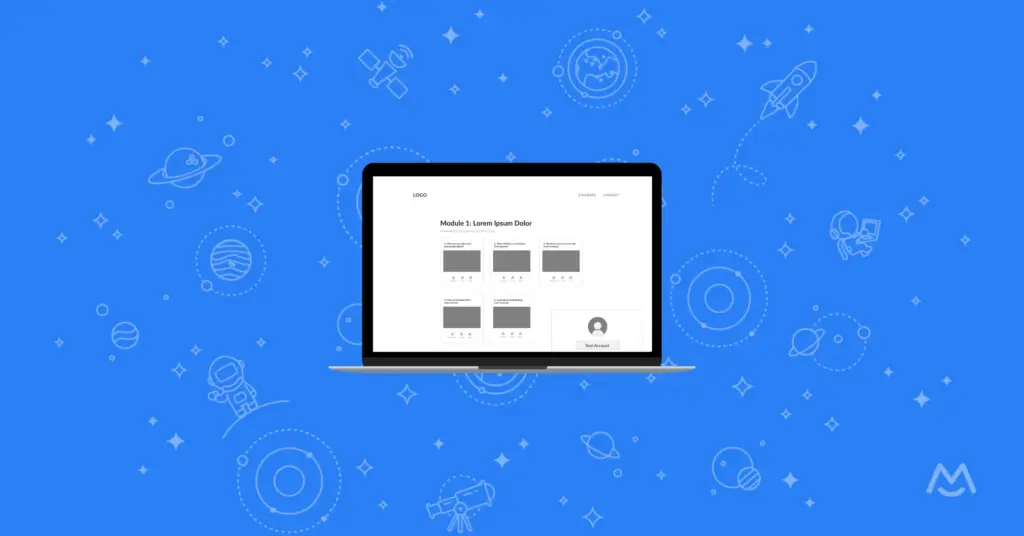
In this post, we’ll walk you through the steps to create an effective online course outline and provide you with free wireframes to help you get started!
If you want complete control over your course content, design, and pricing, the best solution is to build your course directly on your own WordPress website using the MemberSpace plugin.
As a meditation teacher, sharing your skills with a wider audience has never been easier. By creating an online course and hosting it on your own website, you’ll have complete control over your content, pricing, and branding
With its easy-to-use drag-and-drop editor and library of 2+ million templates, Canva makes it easy to create all your course materials in one place.
Turning your videos into an online course is a fantastic way to provide value to your audience while generating a passive income stream.
You don’t need design skills or an accredited program to offer a certificate to your students – all you need is a certification generator! We’ve narrowed down the top four tools to help you create a digital certificate that your students will be proud to display.
Ensure your students are truly engaging with and retaining the information you’re teaching by incorporating quizzes into your course. Here are 6 of the best quiz tools to use!
Add memberships, courses and communities to your own website in minutes.
Try for freeAny website works. Free for 7 days.